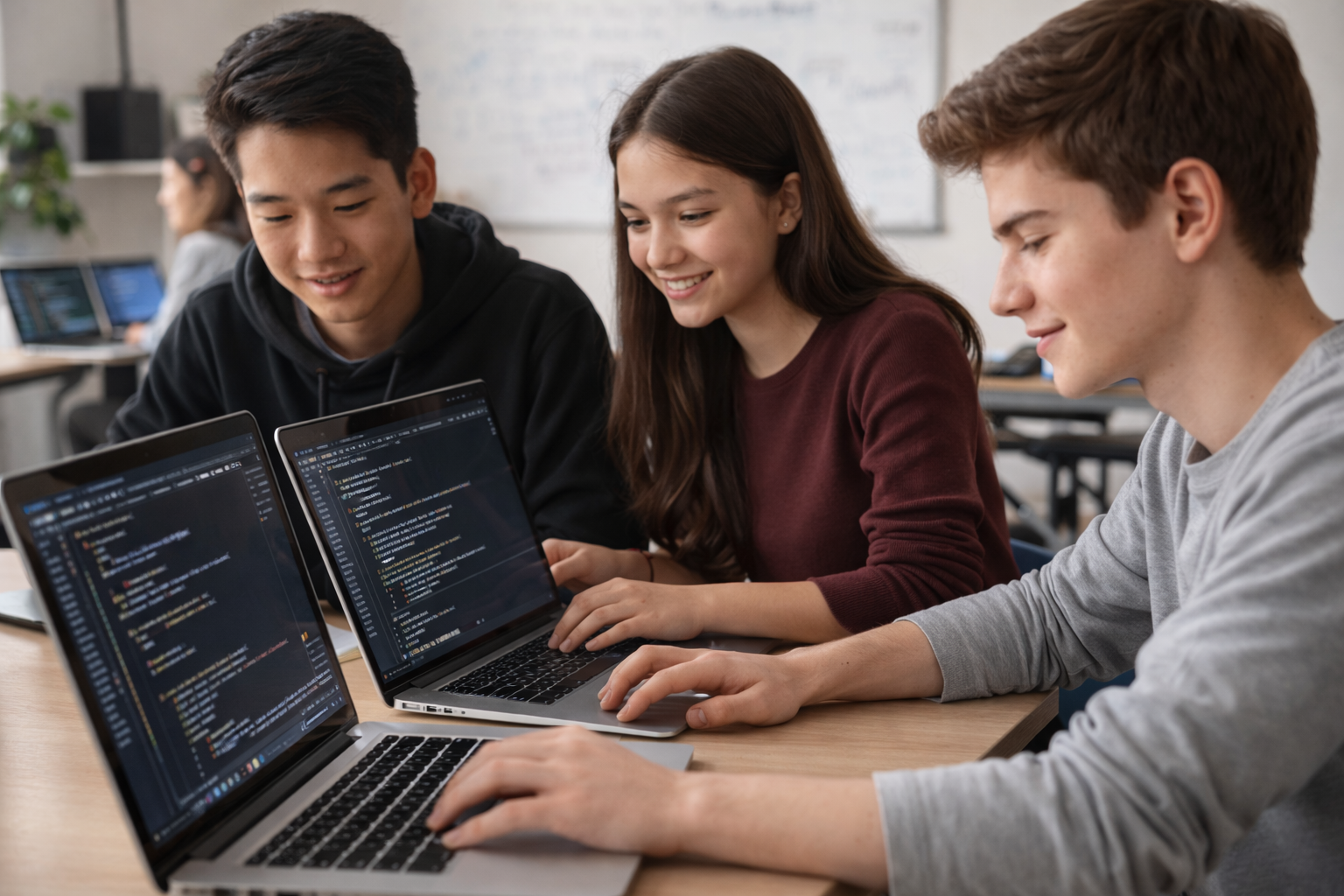
Course 1: Build a Web Application

Course Detail

Course 1: Build a Web Application

This course introduces students to how websites and web applications are built from the ground up, using a carefully designed curriculum adapted for younger students.

Overview

This course introduces students to how websites and web applications are built from the ground up, using a carefully designed curriculum adapted for younger students. Students manually create a real website step by step, learning how structure, style, logic, and data work together. The focus is on core concepts, hands-on building, and understanding how web applications function. The course concludes by demonstrating how AI can be used—with the right prompts and understanding—to rapidly build a professional‑grade web application. Start Date: Jan. 9, 2026 Duration: 12 weeks

What students will learn

  • HTML
  • CSS
  • Python
  • **Flask** (backend web framework)
  • SQLite (introductory level)
  • AI coding assistants

Course syllabus

Month 1 — Web Fundamentals Week 1 — How the Web Works + HTML Basics (Instruction Week) **Topics:** - What is a website? - How browsers read HTML - Tags, elements, and structure **Build:** - Create a basic personal webpage - Headings, paragraphs, images, links Week 2 — Build Lab (Student Work Week) **Focus:** - Students continue building their website - Experiment with HTML - Fix errors and ask questions **Instructor Role:** - One-on-one help - Debugging - Reinforcing concepts Week 3 — Styling with CSS (Instruction Week) **Topics:** - Separation of content and style - Colors, fonts, spacing **Build:** - Apply styles to webpage - Improve readability and layout Week 4 — Build Lab + Layout Improvements (Student Work Week) **Focus:** - Improve layout and design - Add navigation - Make site cleaner and more usable **Instructor Role:** - Design feedback - CSS help - Layout troubleshooting Month 2 — Python & Backend Foundations Week 5 — Introduction to Python (Instruction Week) **Topics:** - What Python is - Variables and data types - Conditionals and loops **Build:** - Simple Python scripts - Console-based exercises Week 6 — Build Lab (Python Practice) **Focus:** - Practice Python logic - Small problem-solving tasks **Instructor Role:** - Explaining logic - Debugging errors Week 7 — Flask & Web Servers (Instruction Week) **Topics:** - What a web server does - Flask basics - Routes and responses **Build:** - First Flask app - Serve HTML pages Week 8 — Build Lab + Forms & Data Flow **Focus:** - Connect HTML forms to Flask - Handle GET and POST requests **Instructor Role:** - Backend troubleshooting - Explaining request/response flow Month 3 — Data, AI, and Final Project Week 9 — Databases & Persistence (Instruction Week) **Topics:** - Why databases exist - Tables and records - CRUD basics **Build:** - Save data to SQLite - Retrieve and display data Week 10 — Build Lab + Project Architecture **Focus:** - Organize files - Clean up code - Prepare final project **Instructor Role:** - Code structure advice - Refactoring help Week 11 — Project Polish + AI Preparation (Instruction + Build Lab) **Topics:** - Reviewing the full web application system - Cleaning up code and structure - Preparing for AI-assisted rebuilding **Focus:** - Finalize manual project - Identify areas for improvement **Instructor Role:** - Code review - Architecture guidance Week 12 — AI Acceleration, Final Demo & Reflection (Instruction + Build Lab) **Topics:** - How AI code generation works - What makes a *good* prompt - How modern web apps use JavaScript (conceptual overview) - How AI handles frontend interactivity **Demonstration:** - Rebuild a complete web application in minutes using AI - Show how prompts generate HTML, CSS, Python, JavaScript, and database code - Review and explain the generated code at a high level **Student Activity:** - Students use AI to redesign or extend their own projects - Improve UI or add features using AI assistance **Key Lesson:** - AI can build full web applications quickly - Understanding fundamentals enables effective AI use

Instructor

Christopher Lin

Christopher Lin serves as:

  • Course designer

  • Instructor

  • Mentor and technical support

He provides guidance, troubleshooting, and individualized support throughout the course.

Credentials

  • Personal website: christopherlin.ca

  • Completed Harvard University CS50x (2022) Harvard University CS50web (2022) and CS50AI (2024)

  • Selected to attend University of Waterloo – Hack the North (2024)

  • GVRSF Gold Medalist (2024, 2025)

  • Selected to represent British Columbia at the Canada-Wide Science Fair (CWSF) (2024, 2025)

  • CWSF Bronze Medalist (2025)

  • Ongoing project work in artificial intelligence, machine learning, and robotics